Quick Links for Gmail
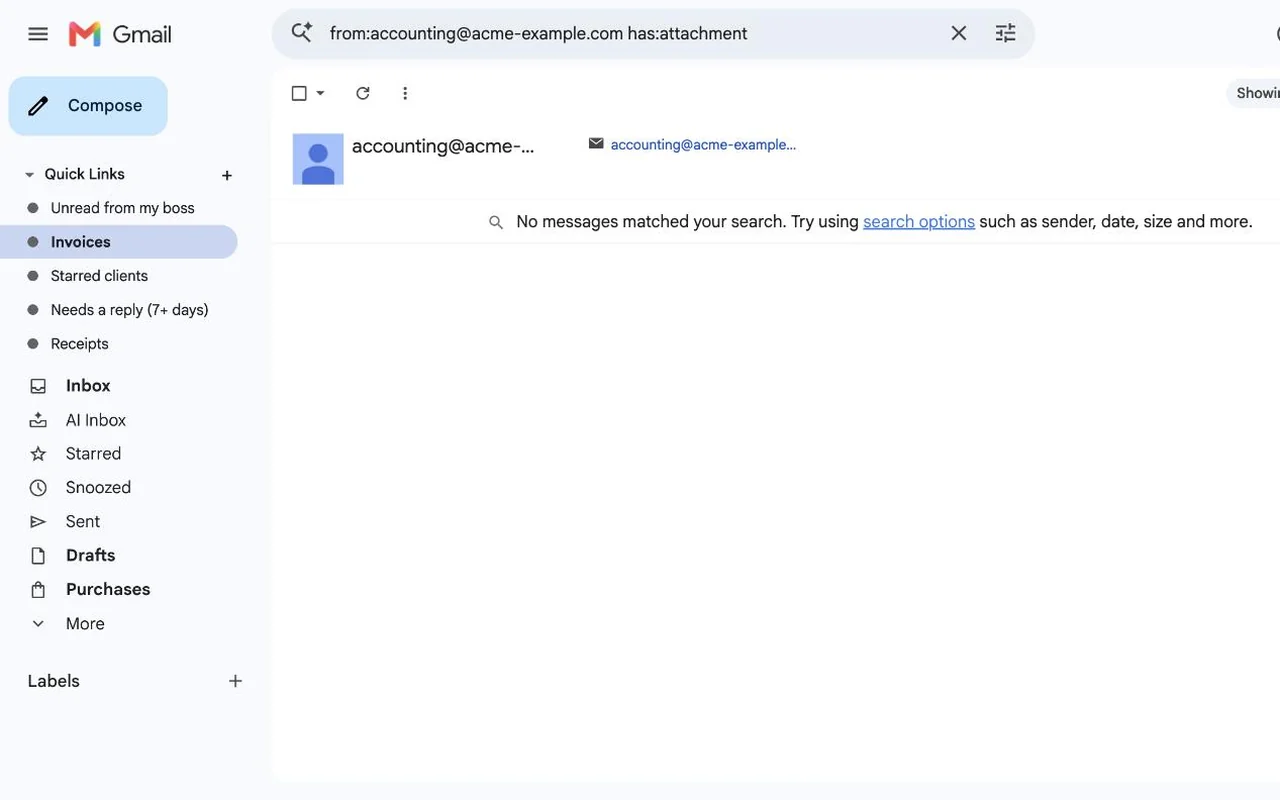
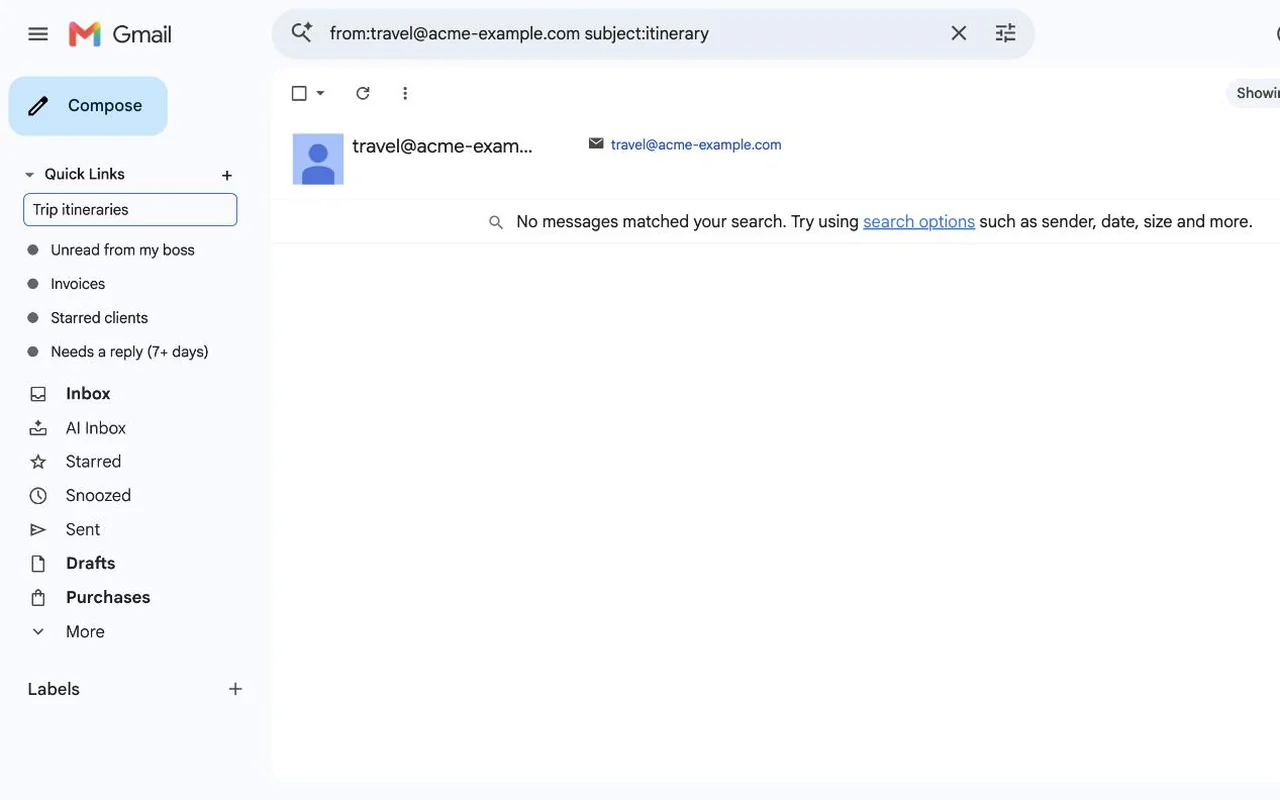
Stop retyping the same Gmail searches. Save any search, label or folder as a one-click link at the top of Gmail's sidebar.
Free for up to 5 links. Works in Chrome.
What it does
- Save any view with +Searches like from:boss is:unread, labels, categories and folders. The name fills in for you.
- One click to get backLinks open in whichever Gmail account you're using.
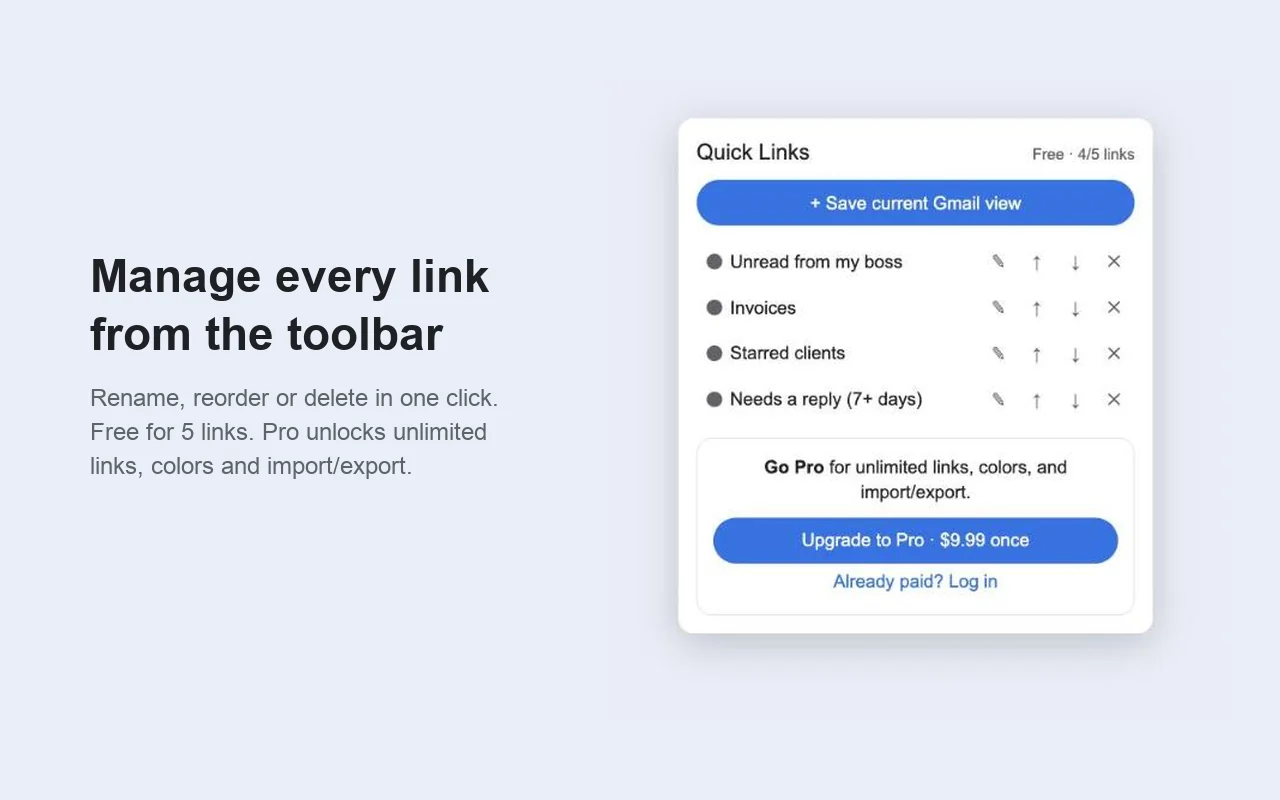
- Manage from the toolbarRename, reorder or delete links, even when Gmail isn't open.
- Follows you between computersLinks sync through your Chrome account.
- Never reopens draftsSaved links skip the half-written emails older tools used to bring back.
Price
| Free$0 | Pro$9.99, paid once | |
|---|---|---|
| Quick links | Up to 5 | Unlimited |
| Sidebar and toolbar | Yes | Yes |
| Sync between computers | Yes | Yes |
| Link colors | No | Yes |
| Import and export | No | Yes |
No subscription. Upgrade from the extension's toolbar button. Payment is handled by ExtensionPay and Stripe, and the extension never sees your card.
Questions
- Does it read my email?
- No. It only saves the Gmail address of a view when you press +. Your links are stored in your own Chrome storage. See the privacy policy.
- I used the old "Gmail Quick Links." Is this it?
- It's a new, maintained replacement. The old extension stopped working when Chrome dropped older extensions in 2025. Re-adding your links takes a few seconds each.
- I paid on another computer. How do I get Pro here?
- Open the toolbar button and choose "Already paid? Log in."
- What if Gmail changes and the sidebar section disappears?
- The toolbar button keeps working while I ship a fix. Email me and I'll look right away.
- Something else?
- Email dgraciano8424@gmail.com, including questions about a purchase.