ReplyShelf
Save reusable replies, personalize the details, and copy them when they are ready.
Development preview. No browser-store release is linked here.
Read the narration
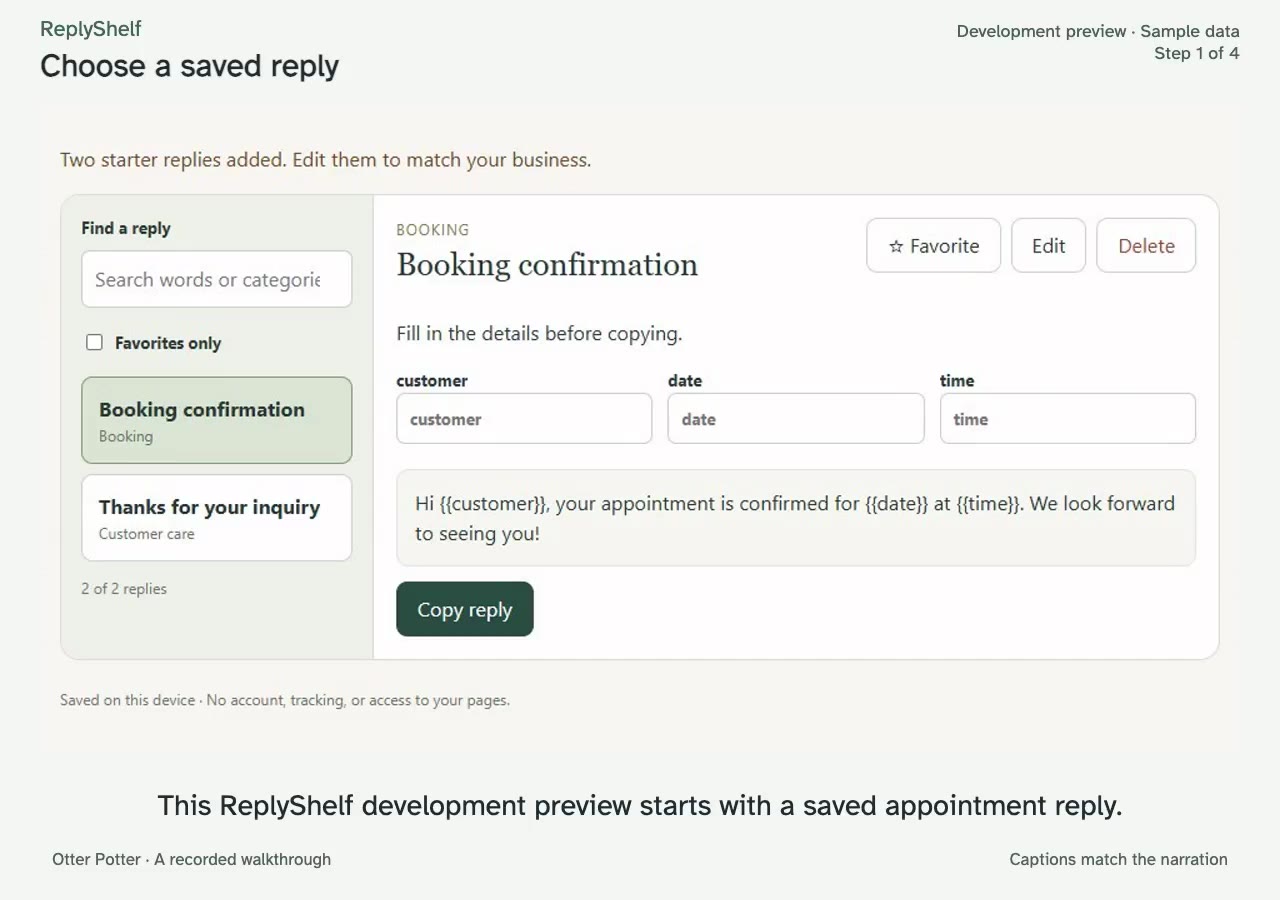
- This ReplyShelf development preview starts with a saved appointment reply.
- Fill in the name, date, and time. The preview updates with those details.
- Choose Copy when the personalized reply is ready.
- The reply is copied. You decide where to paste it and when to send.